
Different devices.
Different rules.
Target IPv4 and IPv6 networks, individual endpoints, or learned PTR hostnames. Keep global lists alongside focused assignments.
Understand precedence →SELF-HOSTED · OPEN SOURCE · CLIENT-AWARE
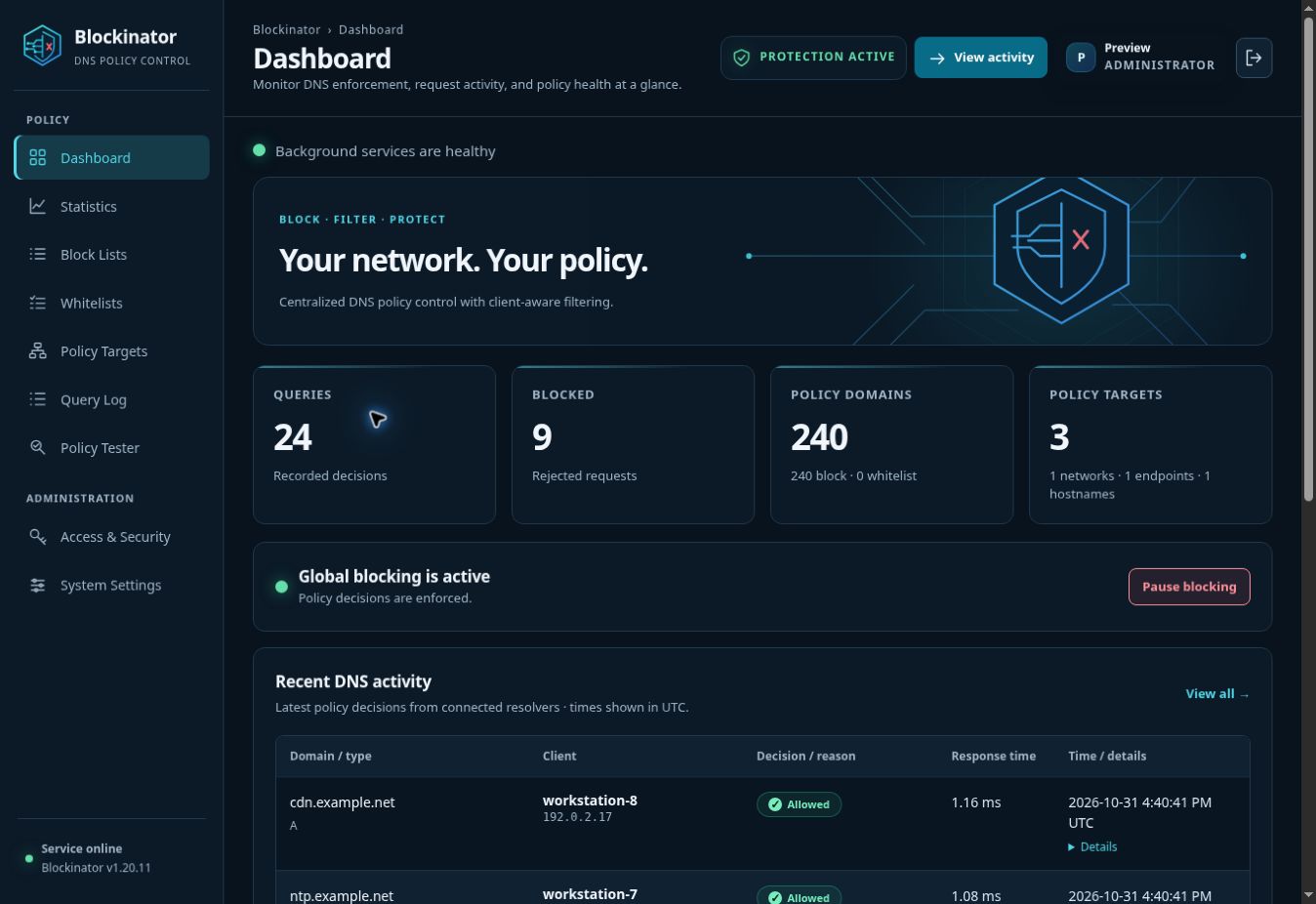
Give every device the DNS policy it needs. Manage block lists, exceptions, and schedules from one place—with a clear explanation for every decision.
Built to work alongside Technitium DNS Server.
POLICY WITH CONTEXT
Apply the right rules to a client, a hostname, or an entire network. Then see exactly why a query was allowed, blocked, or whitelisted.
Target IPv4 and IPv6 networks, individual endpoints, or learned PTR hostnames. Keep global lists alongside focused assignments.
Understand precedence →Use recurring weekly windows, overnight schedules, and a timezone of your choice on lists and targets.
Set a schedule →Preview policy in the tester, trace matches in Query Log, and explore traffic and response-time statistics.
Follow a decision →A CLEAR DIVISION OF WORK
Blockinator is an HTTP policy service. The companion Technitium plugin sends query metadata, receives a decision, and enforces the DNS response.
See how it fits together →FROM CHECKOUT TO CONTROL
MAKE IT YOURS
Start with Docker Compose, connect your resolver, and test your first rule.